Church Livestreaming on Any Budget: From Smartphone to $10K+
Build a church livestream at any budget. See what to prioritize at $0 to $500, $500 to $1,500, $1,500 to $3,000, and $10K+, plus where churches waste money.
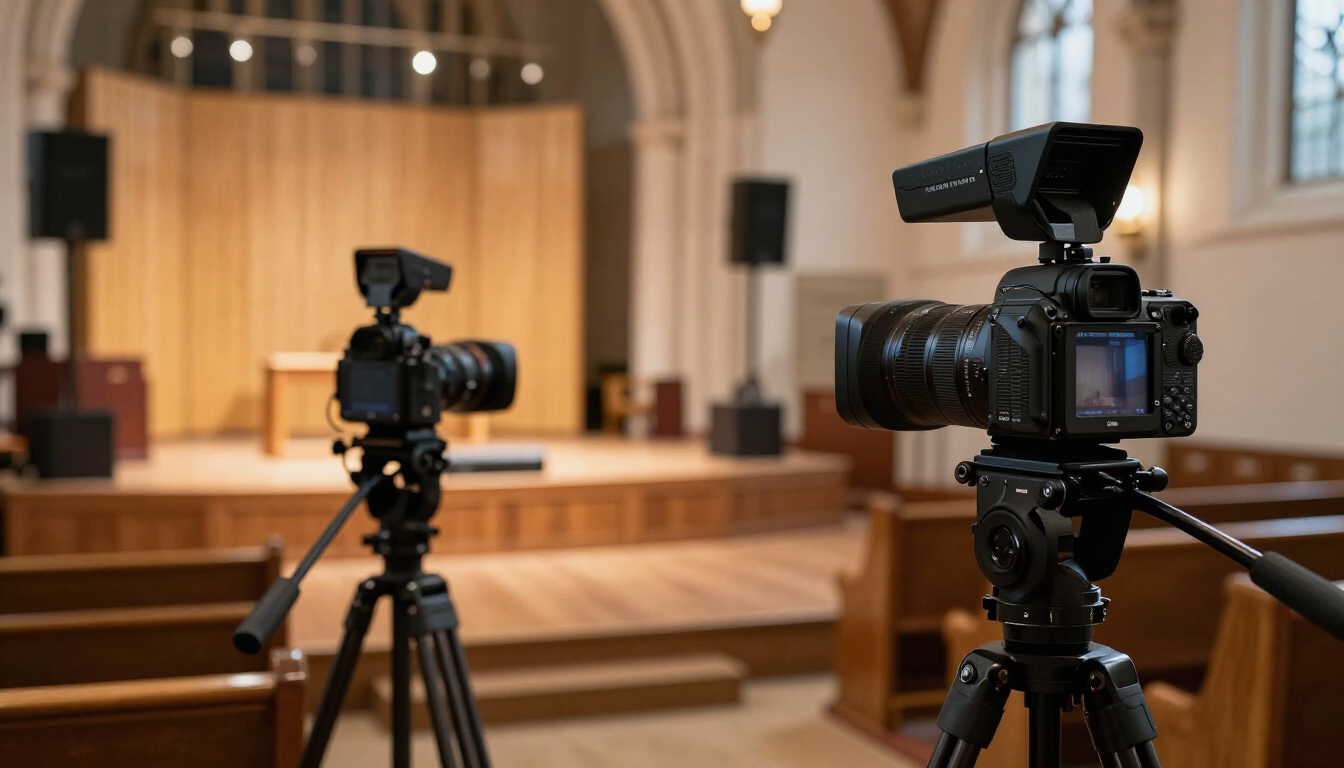
A church livestream can cost almost nothing, a few hundred dollars, a few thousand dollars, or more than a used car. The confusing part is that all four can be the right answer.
The budget question is not really, "How much does a church livestream cost?" It is, "What is the cheapest system that can reliably serve our room, our viewers, and our volunteers?" That distinction matters because churches often copy the equipment list of a ministry with a completely different sanctuary, staffing model, camera distance, and production standard.
This guide is intentionally about budget tiers, not one-size-fits-all gear. If you are already shopping in the roughly $2,000 to $3,000 range, Church Tech Magazine has a separate guide that goes deeper on that exact territory. Here, we are looking at the bigger decision: what should change as your budget grows, and what should not.
When the budget firms up, our live streaming gear guide under $3,000 covers the next tier.
Before You Spend Anything: Decide What "Good" Means
A small congregation streaming to 40 homebound members does not need the same production system as a multisite church broadcasting to thousands. Both should care about clarity and reliability, but the technical path can be very different.
Before choosing a camera, write down the answers to five questions:
- How far is the main camera from the platform?
- How many people will operate the stream on a typical Sunday?
- Is the goal simple documentation, a polished online service, or broadcast-style production?
- What equipment does the church already own that can be reused?
- What is the weakest link today: audio, video, lighting, internet, or volunteer workflow?
That final question usually saves the most money. A $2,000 camera does not fix bad audio. A switcher does not fix a dark platform. A better lens does not fix unstable internet. Budgeting should begin with the bottleneck, not the most exciting product.
$0--$500: Start With What You Already Own
At this level, the goal is not to imitate a television studio. The goal is to make a simple stream watchable and dependable. If your church already owns a reasonably recent smartphone, tablet, computer, sound system, or camera, build around those assets before replacing them.
A smartphone can be a legitimate starting camera when it is stable, properly framed, well lit, and receiving clean audio. The difference between an amateur-looking phone stream and a surprisingly competent one is usually not the phone itself. It is everything around it.
Spend the first dollars on stability
Put the device on a real tripod or secure mount. Lock the framing. Keep people from walking into it. Avoid handheld movement unless someone actually knows how to operate a camera. A stable wide shot is more useful than a shaky "dynamic" shot.
Shop smartphone tripods and video mounts on Amazon: https://www.amazon.com/s?k=smartphone+tripod+video+mount&tag=denniscampb0b-20
Then fix the audio
Built-in phone and camera microphones are designed to capture whatever is near the device. In a sanctuary, that often means room echo, congregation noise, and very little intelligible speech. If possible, route an output from the church mixer into the streaming device or computer through the appropriate interface or adapter.
Shop USB audio interfaces for livestreaming on Amazon: https://www.amazon.com/s?k=USB+audio+interface+livestream&tag=denniscampb0b-20
Even an inexpensive interface can be a major improvement when the alternative is recording the room from thirty feet away. Monitor the online feed with headphones rather than assuming the sanctuary mix sounds the same online.
Shop closed-back monitoring headphones on Amazon: https://www.amazon.com/s?k=closed+back+monitoring+headphones&tag=denniscampb0b-20
Use inexpensive light before buying an expensive camera
Cameras perform better when faces are properly lit. If the pastor is standing under harsh overhead fixtures with a bright LED wall behind them, the image can look poor even on capable equipment. A modest lighting improvement may create a bigger perceived quality jump than replacing the camera.
Shop LED video lighting kits on Amazon: https://www.amazon.com/s?k=LED+video+lighting+kit&tag=denniscampb0b-20
A sub-$500 church should be thinking in terms of a reliable single shot, clear speech, decent lighting, and a stable internet connection. If you achieve those four things, you have already solved most of what makes low-budget streams difficult to watch.
$500--$1,500: Buy Reliability, Not Complexity
Once you have more than a few hundred dollars, the temptation is to add features. Resist that urge until the current system is stable. This tier is often best used to replace fragile components, improve the signal path, and move from "we can stream" to "we can stream every week without drama."
Depending on what you already own, this may be the point where a church adds a dedicated camera, an entry-level PTZ camera, a capture device, a better audio interface, permanent cabling, or basic battery backup. The smartest purchase is the one that removes the failure your team keeps experiencing.
If your camera is physically close to the platform, a modest mirrorless camera or camcorder may be enough. If it must sit far away, optical zoom becomes more important. If you have almost no camera volunteers, a PTZ-style workflow may make more sense than a traditional camera on a tripod.
If camera choice is the main question, see PTZ vs. Auto-Tracking Cameras: Which One Actually Fits a Church? for a more focused comparison.
This is also a good tier for boring infrastructure. Buy known-good HDMI or SDI cables. Label both ends. Add a UPS to the network and critical production devices. Replace the mystery power strip behind the booth. Create a small spare-parts kit.
Shop UPS battery backups for AV and network equipment on Amazon: https://www.amazon.com/s?k=UPS+battery+backup+AV+network+equipment&tag=denniscampb0b-20
These purchases are not glamorous, but they reduce Sunday-morning failure. Reliability is a production feature.
$1,500--$3,000: You Are Entering a Different Kind of Build
This is where a church can begin assembling a more intentional production system rather than improving one component at a time. It is also where this article intentionally stops going deep, because Church Tech Magazine already has a dedicated guide for this price range.
For a detailed breakdown of how to divide this budget among cameras, switching, audio, and cabling, read The Honest Guide to Live Streaming Gear Under $3,000.
The main lesson for this tier is simple: do not spend nearly the entire budget on the camera. Once you reach a few thousand dollars, your stream becomes a system. Signal conversion, audio routing, switching, cabling, monitoring, networking, mounting, and volunteer usability begin to matter just as much as image quality.
$3,000--$7,500: Stop Thinking in Individual Products
At this point, you should think less like a shopper and more like a system designer. A multi-camera stream introduces questions about switching, monitoring, graphics, tally, camera control, audio for broadcast, and signal distribution. The complexity curve rises faster than the price curve.
A church in this range might add a second or third camera, a hardware switcher, dedicated streaming computer or encoder, better stage lighting, a dedicated broadcast audio mix, and permanent SDI or network cabling. But the correct mix depends heavily on the room.
This is also the tier where volunteer capacity becomes a budget line even if nobody is paid. A system requiring four skilled operators is not a good fit for a church that reliably has two volunteers. Technology that your team cannot staff is not an upgrade.
Before purchasing, draw the signal flow from microphone and camera all the way to the streaming platform. Identify every conversion point and every single point of failure. If nobody on the team can explain how the signal reaches YouTube, the system is already too dependent on tribal knowledge.
$10,000+: Design the Room, Not the Shopping Cart
Once a church is considering a five-figure livestream investment, copying an online equipment list becomes a bad financial strategy. At $10,000 and above, the physical environment should drive the design.
Camera distance affects lens choice. Platform width affects camera count. Ceiling height affects lighting positions. Existing conduit affects cabling. The sound system affects how a broadcast mix can be created. Internet service affects encoding and backup options. Volunteer skill affects which control surfaces and workflows are realistic.
The $10,000 question is no longer "Which camera should we buy?" It is "What complete production system can we operate for the next several years?"
That is where professional design or at least a paid consultation becomes easier to justify. A knowledgeable integrator can help prevent expensive mistakes such as buying cameras with the wrong zoom range, installing lighting at unusable angles, choosing infrastructure that cannot scale, or building a booth that is miserable to operate.
At this budget, require documentation as part of the project. You should receive or create a system diagram, equipment inventory, network notes, account ownership list, configuration backups, labeling standard, startup/shutdown checklist, and basic troubleshooting guide. The church should not be held hostage by the one person who remembers how everything works.
Where Churches Waste Money at Every Budget
The same mistakes show up whether a church has $300 or $30,000.
Buying video before fixing audio
Clear speech is foundational. If people cannot understand the pastor, the stream fails no matter how sharp the picture is.
Buying for the dream team instead of the real team
A complex setup looks wonderful on paper. If your actual Sunday crew is one faithful volunteer and a teenager learning on the fly, simplicity deserves a higher priority.
Ignoring the network
Whenever practical, connect the streaming system by Ethernet. Test upload performance during actual Sunday conditions. A beautiful production that buffers every three minutes is still a bad experience.
Shop Cat6 Ethernet cables on Amazon: https://www.amazon.com/s?k=Cat6+Ethernet+cable&tag=denniscampb0b-20
Forgetting spares
Cables, adapters, batteries, chargers, storage media, gaffer tape, Velcro ties, and backup headphones are cheap compared with the equipment they keep running. Budget for the unexciting pieces.
Shop AV cable-management and gaffer-tape supplies on Amazon: https://www.amazon.com/s?k=AV+cable+management+gaffer+tape+velcro&tag=denniscampb0b-20
Budget for the Next Failure, Not the Next Feature
The healthiest way to grow a church livestream is in layers. Start with intelligible audio and a stable shot. Fix lighting. Stabilize the network. Improve the camera. Add switching only when you have a reason for multiple sources. Add cameras only when the volunteers and storytelling actually benefit from them.
A $500 stream that works every Sunday is better ministry technology than a $10,000 system that only one person can operate. And a $10,000 system can be an excellent investment when it is designed around the church rather than around a list of impressive gear.
Your budget should buy clarity, consistency, and capacity in that order. If a purchase does not improve at least one of those, it probably is not the next purchase.
Affiliate disclosure: Church Tech Magazine may earn a commission from qualifying Amazon purchases made through links in this article.
Keep reading from Church Tech Mag
- Smartphone tripod and mount kitStart with the phone you already own
- Blackmagic ATEM Mini ProFour cameras, streams without a computer
- USB audio interfaceGets real sound into the stream
As an Amazon Associate, Church Tech Mag earns from qualifying purchases. The price you pay does not change.
More in Streaming & AV

The Church Tech Emergency Kit: 25 Things Every AV Booth Should Have
Your church may have thousands of dollars invested in cameras, sound and presentation equipment, but sometimes a $12 cable saves Sunday morning. Here are 25 essential items every church tech booth should keep on hand.
The Honest Guide to Live Streaming Gear Under $3,000
We rebuilt a 180-seat sanctuary stream three times to find out what actually matters — and what congregations never notice.

PTZ vs. Auto-Tracking Cameras: Which One Actually Fits a One-Person AV Booth
PTZ cameras and AI auto-tracking cameras solve the same problem — no dedicated camera operator — in almost opposite ways. Here’s how to tell which one your church actually needs.