The Church Tech Emergency Kit: 25 Things Every AV Booth Should Have
Your church may have thousands of dollars invested in cameras, sound and presentation equipment, but sometimes a $12 cable saves Sunday morning. Here are 25 essential items every church tech booth should keep on hand.

There are two kinds of church tech problems: the ones you planned for and the ones that introduce themselves at 9:47 Sunday morning.
The worship leader’s microphone starts crackling. A guest speaker walks in with a laptop that has no HDMI port. The presentation computer suddenly cannot see the projector. Someone needs to play audio from a phone. A volunteer discovers the last two AA batteries in the drawer are dead. Then somebody asks the most dangerous question in church production: “Does anybody have an adapter?”
A good church technology setup is not just built around expensive cameras, digital consoles and presentation computers. It is also built around dozens of small, inexpensive items that keep those systems working when something goes wrong.
That is why every church should have what we call a Church Tech Emergency Kit.
You do not necessarily need every product on this list on day one. Start with the items that correspond to the equipment your church already uses, then gradually build a dedicated kit that stays in your booth or production area.
And one rule before we begin: stop letting people borrow things from the emergency kit.
If someone needs an HDMI cable for Bible study Tuesday night, buy another HDMI cable. Your emergency kit exists because one Sunday you are going to desperately need the thing someone forgot to return.
Church Tech Magazine independently researches products and technology for churches. Some links in this article are Amazon affiliate links. If you purchase through one of these links, we may earn a commission at no additional cost to you.
The $10 Item That Can Save a $10,000 System
One of the recurring lessons in church production is that expensive systems can be brought to their knees by very inexpensive components.
Your $4,000 camera still needs a working cable.
If you are still piecing that side of the room together, our guide to building a church livestreaming setup on any budget covers where the money actually matters.
Your digital console still depends on microphones, connectors and power.
Your expensive projection system is not particularly impressive when the presentation computer cannot connect to it.
Church technology teams should therefore think about redundancy differently. You probably cannot afford to keep a spare version of every major piece of equipment in a closet. You can, however, eliminate dozens of common failure points for a few hundred dollars.
Here are 25 things we would want within reach.
1. Gaffer Tape
If you only buy one roll of tape for your church production team, make it proper gaffer tape.
Gaffer tape can secure cables, temporarily hold equipment in place, mark positions on a stage and solve an impressive number of unexpected production problems. Unlike ordinary duct tape, quality gaffer tape is designed for production environments and is generally easier to remove without leaving the sticky mess duct tape can create.
Keep black gaffer tape in the booth and consider adding one brightly colored roll for temporary markings.
Amazon: Shop gaffer tape
Just don’t use tape as a permanent repair for something that actually needs to be fixed.
2. Velcro Cable Ties
If your church still stores cables by wrapping them around themselves, tying them in knots or throwing them into a drawer, spend $15 and change your ways.
Reusable hook-and-loop cable ties make storage easier, protect cables and help volunteers quickly identify what belongs where.
They are particularly useful for HDMI, Ethernet, XLR, extension and USB cables.
Amazon: Shop reusable cable ties
Bonus points if you establish a system where different lengths or cable types get different labels.
3. A Real Cable Tester
This one moves quickly from “nice to have” to “why didn’t we buy this years ago?”
A cable tester helps determine whether the mysterious audio problem you are chasing is actually a bad cable.
Church Production Magazine has previously highlighted cable testers as particularly valuable for technical teams because internal wiring problems, grounding issues and intermittent failures are not always visible from the outside.
Models such as the Hosa CBT-500 can test several common connection types. Your exact tester should depend on the cables your church uses.
Amazon: Shop Hosa cable testers
For churches with a large collection of audio cables, this is one of our favorite purchases on the entire list.
4. Spare XLR Cables
Do not wait until a microphone cable dies to discover every XLR cable you own is already being used.
Keep at least two known-good XLR cables in reserve, preferably in common lengths such as 10, 25 or 50 feet depending on your room.
The important phrase there is known good.
Do not create a box labeled “extra cables” that is actually the final resting place for every cable that has ever malfunctioned.
Amazon: Shop XLR microphone cables
5. Spare HDMI Cables
HDMI cables live harder lives in churches than people realize.
They get bent behind TVs, pulled from laptops, stepped on during special events, borrowed by youth ministry and mysteriously transported to rooms nobody remembers approving.
Keep several short HDMI cables and at least one longer cable appropriate for your setup.
Amazon: Shop HDMI cables
If you regularly send HDMI over significant distances, make sure your spare is actually rated for the signal and distance you need.
6. Ethernet Cables
Modern church technology increasingly runs over networks.
Streaming computers, digital consoles, presentation systems, control surfaces, lighting equipment, cameras, access points and other devices may all depend on Ethernet.
Keep several known-good Cat6 patch cables in multiple lengths.
And if the network itself is the weak link, start there. Dead zones, thin coverage and Sunday morning congestion are all fixable, and our walkthrough on how to improve your church Wi-Fi covers the usual causes.
Coverage is only half the job, though. A flat network where guest devices, cameras, staff laptops and the children's check-in system all share the same space is a church network security problem long before it is a performance one.
Amazon: Shop Cat6 Ethernet cables
When troubleshooting network-connected equipment, swapping in a known-good cable is one of the quickest variables you can eliminate.
7. USB-C to HDMI Adapter
Welcome to modern laptop ministry.
A guest speaker arrives with slides on a laptop. You confidently reach for your HDMI cable.
There is no HDMI port.
USB-C video adapters have become essential enough that we would keep one permanently in the booth.
Amazon: Shop USB-C to HDMI adapters
Before Sunday, verify that your specific adapter works with your system. The emergency kit is not the place for equipment nobody has ever tested.
8. USB-C Hub
A good USB-C hub can solve several connection problems at once.
Depending on the model, one device can add HDMI, traditional USB-A ports, Ethernet, SD card access and power delivery to a modern laptop.
That makes it especially useful when hosting outside speakers, conferences, funerals, weddings and community events.
Amazon: Shop USB-C multiport hubs
9. USB-A to USB-C Adapters
The technology world switched connectors faster than most churches switched equipment.
That means many churches live in a mixed USB-A and USB-C environment.
A few simple adapters can keep older and newer devices talking to each other.
Amazon: Shop USB-A/USB-C adapters
Buy a small set and keep them in a labeled container rather than scattered across the booth.
10. Lightning and USB-C Audio Adapters
Sooner or later, someone will hand your sound team a phone and say:
“Can you play this?”
Your team should have a predictable method for handling that request.
Because modern phones may use Lightning or USB-C instead of a 3.5mm headphone connection, keep appropriate audio adapters for the devices you commonly encounter.
Amazon: Shop phone audio adapters
Test them with your playback setup before an event.
11. A DI Box
A direct box, commonly called a DI, is one of those pieces of audio equipment you may ignore until you understand what it does.
A DI box helps connect unbalanced sources such as instruments, laptops and some playback devices to a professional balanced audio system.
Churches that frequently host musicians, guest presenters or special events should keep at least one available.
Amazon: Shop DI boxes
Brands such as Radial, Whirlwind and others offer solutions at different price points.
12. 3.5mm to Dual 1/4-Inch or XLR Cable
Sometimes you simply need to get stereo audio from a consumer device into your sound system.
Having the correct breakout cable available can turn a frantic search for adapters into a 30-second setup.
Amazon: Shop 3.5mm audio breakout cables
Know whether your console expects mic-level or line-level signals and configure the input appropriately.
13. Rechargeable AA Batteries
Wireless microphones and in-ear systems can consume a remarkable number of batteries.
A quality rechargeable battery system can reduce both operating costs and Sunday morning battery anxiety.
Amazon: Shop rechargeable AA batteries and chargers
Establish a charging routine and make sure volunteers know the difference between charged and discharged batteries.
A beautiful charging station does not help if somebody returns dead batteries to the “ready” bin.
14. Spare AA and AAA Alkaline Batteries
Even if you use rechargeables, keep a sealed pack of quality disposable batteries for emergencies.
Rechargeable systems occasionally fail. Chargers get unplugged. Someone forgets.
Your backup should have a backup.
Amazon: Shop AA and AAA battery packs
Check expiration dates periodically.
15. 9-Volt Batteries
Not every church needs a large supply of 9-volt batteries, but plenty of production equipment still uses them, including some cable testers, active electronics and legacy wireless equipment.
If anything in your production environment requires a 9-volt battery, keep at least two extras.
Amazon: Shop 9V batteries
16. Power Strips
A special event suddenly adds three laptops, a confidence monitor, a charger and some mystery device the guest speaker brought.
You now need power.
Keep a few good-quality power strips specifically for temporary production needs.
Amazon: Shop heavy-duty power strips
Important distinction: a power strip is not automatically a surge protector, and neither is a substitute for professionally designed electrical distribution. Never overload circuits or improvise unsafe electrical setups.
17. Extension Cords
Church events have an almost supernatural ability to occur six feet farther from an outlet than your existing cable reaches.
Keep grounded extension cords in several lengths and appropriate gauges for your use.
Amazon: Shop heavy-duty extension cords
Avoid creating trip hazards, and never run extension cords where they can be damaged or overloaded.
18. Flashlight
Yes, your phone has a flashlight.
No, that doesn’t mean the production booth shouldn’t have one.
A dedicated LED flashlight is better when looking behind racks, tracing cables under stages or working somewhere you do not want to risk dropping your phone.
Amazon: Shop compact LED flashlights
Keep spare batteries nearby if it does not use a rechargeable pack.
19. Headlamp
A flashlight is good.
Two free hands are better.
A small headlamp is incredibly useful when working behind equipment racks, under stages or inside poorly lit technical spaces.
Amazon: Shop LED headlamps
It will not make you look cool.
It will make your life easier.
We’ll take the trade.
20. Multibit Screwdriver Set
Church tech equipment has screws.
A lot of them.
Keep a compact screwdriver kit with Phillips, flathead and other common bit sizes in the booth.
Amazon: Shop precision screwdriver sets
You do not need a complete hardware store in your control booth, but a few basic hand tools prevent volunteers from improvising with butter knives, coins and prayer.
21. Needle-Nose Pliers and Wire Cutters
For basic maintenance work, small pliers and wire cutters are worth having.
They can help with cable ties, small hardware and simple repairs.
Amazon: Shop small electronics tool sets
Know your limits, though. An emergency kit does not qualify anyone to repair electrical wiring or open dangerous equipment.
22. Label Maker
If nobody knows what a cable, power supply, network port or adapter belongs to, eventually something important will disappear.
Label it.
A small label maker may be one of the least exciting purchases your technology ministry ever makes and one of the most useful.
Amazon: Shop label makers
Label power adapters with the device they belong to. Label cables by type and destination. Label drawers. Label charging areas.
Future volunteers will bless your name.
23. Permanent Markers and Console Tape
Sometimes you need a label immediately.
Keep several permanent markers and writable console or artist tape in your kit.
Amazon: Shop permanent markers
This is particularly useful for temporary stage positions, wireless assignments, equipment ownership and event-specific setups.
24. Cleaning Kit and Microfiber Cloths
Church technology gets touched.
Screens collect fingerprints. Camera lenses collect dust. Equipment surfaces get dirty.
Keep microfiber cloths and appropriate electronics-cleaning supplies nearby.
Amazon: Shop electronics cleaning kits
Never spray cleaning liquid directly onto sensitive electronics, displays or camera lenses. Follow the manufacturer’s cleaning instructions for the equipment involved.
25. Printed Startup, Shutdown and Emergency Procedures
This final item costs almost nothing and might be more important than most of the gear above.
Every church production booth should have simple printed instructions explaining:
- How to start the system
- How to shut it down
- How to get lyrics onto the screen
- How to get audio from a microphone
- How to restart your presentation system
- What to do if the livestream fails
- Who volunteers should call when something goes wrong
- What volunteers should not touch
Church.Design has previously recommended printed startup and shutdown procedures, quick troubleshooting guides and regularly updated documentation for volunteer-operated church AV spaces.
That is an excellent practice.
Technology that only one person understands is not a system. It is a dependency.
Put the documentation in a binder, post simplified instructions where appropriate and keep a digital copy somewhere church leadership can access.
Shared logins are part of that documentation, and they belong in a password manager, not a shared spreadsheet. Your printed procedures should say where that password manager lives and who has access.
Build the Kit in Stages
You do not have to buy everything this week.
A small church could start with about $100 and dramatically improve its preparedness.
Start here:
- Gaffer tape
- Spare XLR cable
- Spare HDMI cable
- Ethernet cable
- USB-C to HDMI adapter
- AA batteries
- Flashlight
- Screwdriver
- Permanent markers
- Cable ties
Then build toward adapters, testing equipment, DI boxes, power accessories and more advanced tools.
What you purchase should ultimately match your environment.
A church running two wireless microphones, PowerPoint and a television does not need the same emergency inventory as a church running Dante audio, multiple PTZ cameras, ProPresenter, intelligent lighting and a multichannel broadcast mix.
Preparedness is not about buying gadgets.
It is about identifying your most likely points of failure before they fail.
Create a “Known Good” System
Here is one simple practice that can improve troubleshooting immediately.
Designate a few cables and adapters as KNOWN GOOD.
Test them.
Label them.
Do not use them during normal services.
When something fails, swap the questionable component with the known-good one. If the problem disappears, you have learned something immediately.
The same approach can work with microphones, adapters, Ethernet cables and even power supplies when practical.
Troubleshooting becomes much easier when volunteers can systematically eliminate possibilities instead of randomly changing settings.
And that brings us to one of our biggest church technology rules:
Never change five things while troubleshooting one problem.
If something suddenly stops working, changing routing, gain, cables, software settings and power at the same time may eventually make the problem disappear. It also guarantees nobody knows what actually fixed it.
Change one variable.
Test.
Then move to the next.
Inventory the Kit Twice a Year
An emergency kit gradually stops being an emergency kit if nobody maintains it.
Twice a year, pull everything out.
Test the cables.
Charge rechargeable batteries.
Check disposable batteries.
Replace missing adapters.
Throw away broken equipment.
Update your documentation.
Make sure software procedures still match the current software.
Check your labels.
Then ask the team one important question:
“What went wrong during the last six months that we weren’t prepared for?”
If three volunteers answer, “That stupid USB-C adapter,” congratulations. Buy another one.
Your emergency kit should evolve based on the failures your church actually experiences.
The Goal Isn’t a Perfect Sunday
Church technology teams can easily become obsessed with perfection.
That is not what this kit is about.
Technology serves ministry. The microphone helps people hear. The projection system helps people participate. The livestream helps someone worship from a hospital room, nursing home, workplace or living room. The lighting allows people to see. The network connects the systems that make all of it possible.
Preparation reduces the amount of attention technology demands when ministry is happening.
You will still have problems.
Cables will fail.
Computers will freeze.
People will arrive with strange adapters.
Someone will eventually unplug something they absolutely should not have unplugged.
But there is a huge difference between a technical problem and a technical crisis.
Sometimes that difference is a $12 cable sitting in a labeled drawer.
And that may be the best investment your church tech team makes all year.
Church Tech Magazine Resource Desk
For additional training, equipment education and church-production practices, we recommend exploring resources from Church Production Magazine, Sweetwater’s InSync technical library, manufacturer documentation for your specific equipment and training materials provided by your church’s AV integrator.
Before purchasing adapters, cables or power equipment, always confirm compatibility with your specific system. Product availability, specifications and pricing can change.
Related Church Tech Magazine reading:
- Professional gaffer tapeThe first thing in the kit
- Hosa cable testerTurns a mystery into a solved problem
- Rechargeable AA batteries and chargerEnds Sunday morning battery anxiety
As an Amazon Associate, Church Tech Mag earns from qualifying purchases. The price you pay does not change.
More in Streaming & AV
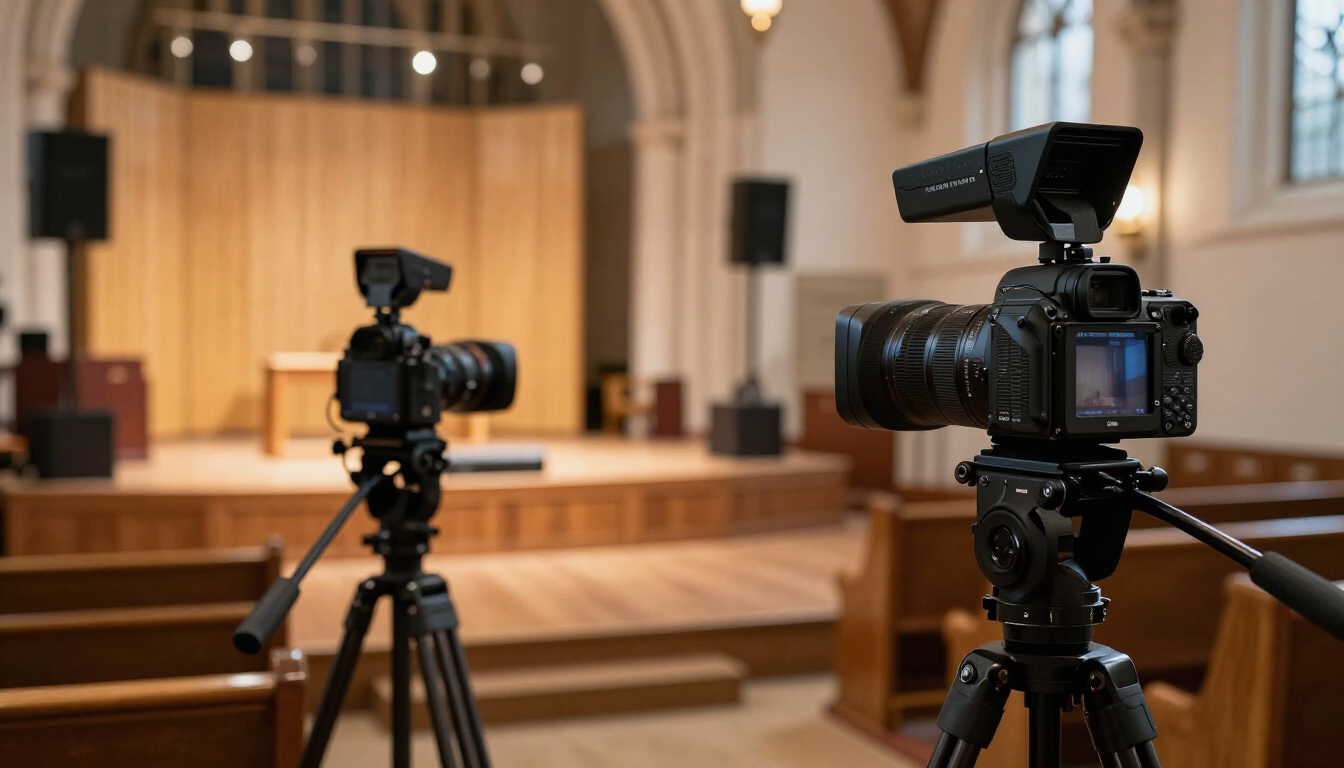
Church Livestreaming on Any Budget: From Smartphone to $10K+
Build a church livestream at any budget. See what to prioritize at $0 to $500, $500 to $1,500, $1,500 to $3,000, and $10K+, plus where churches waste money.
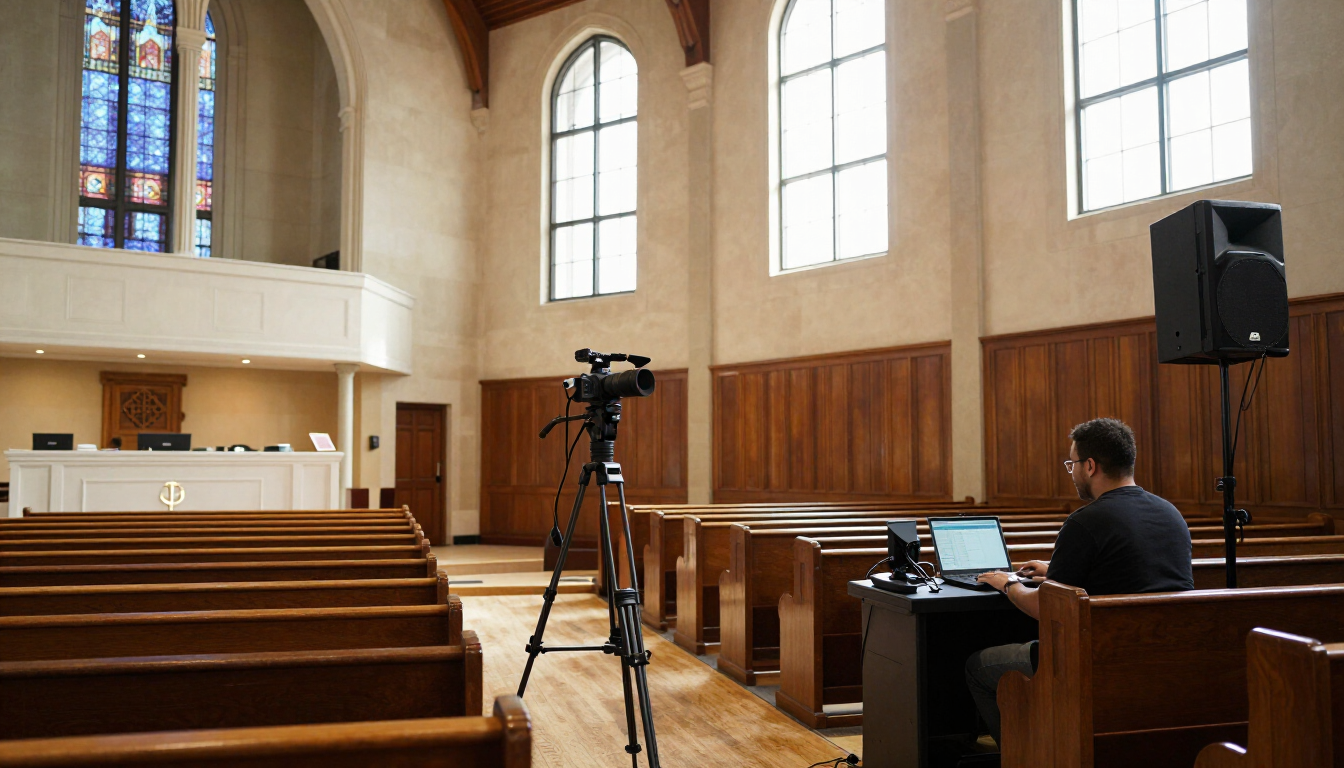
The Honest Guide to Live Streaming Gear Under $3,000
We rebuilt a 180-seat sanctuary stream three times to find out what actually matters — and what congregations never notice.

PTZ vs. Auto-Tracking Cameras: Which One Actually Fits a One-Person AV Booth
PTZ cameras and AI auto-tracking cameras solve the same problem — no dedicated camera operator — in almost opposite ways. Here’s how to tell which one your church actually needs.