The Honest Guide to Live Streaming Gear Under $3,000
We rebuilt a 180-seat sanctuary stream three times to find out what actually matters — and what congregations never notice.
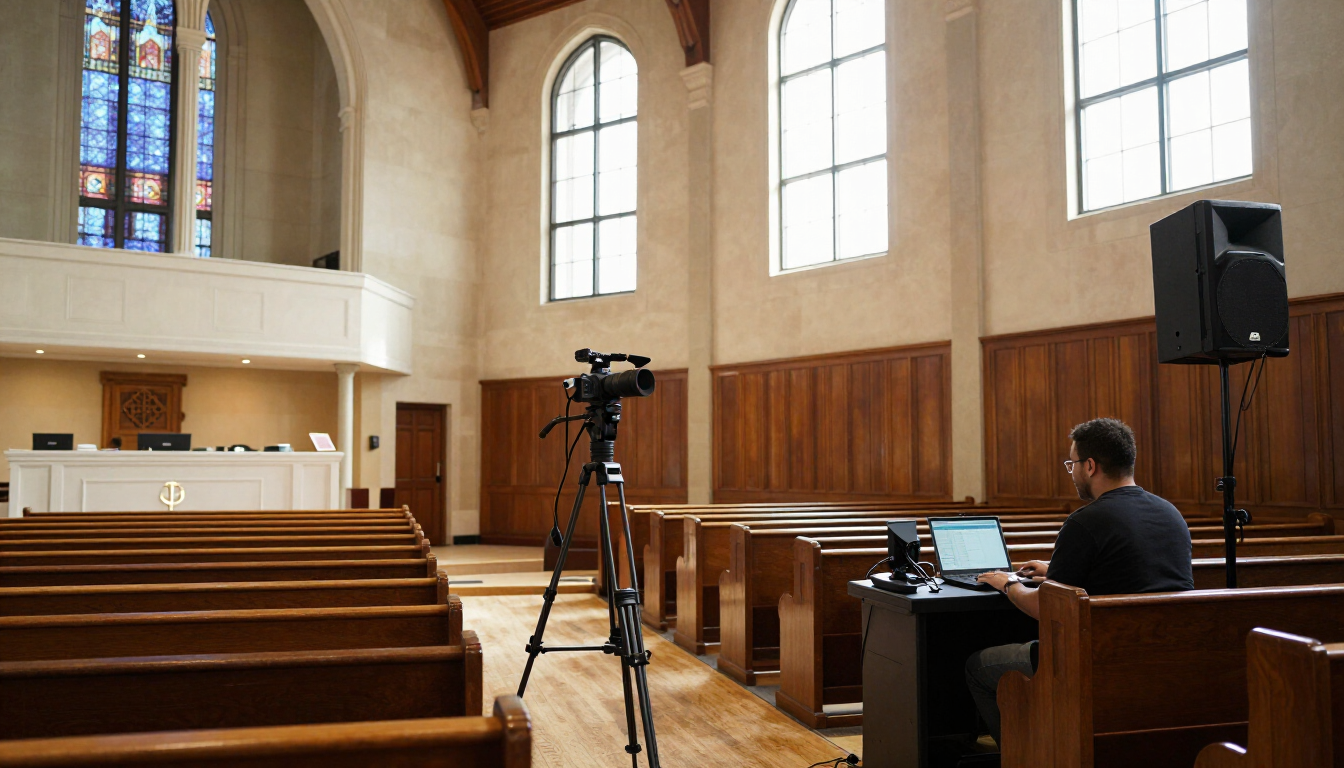
A two-camera PTZ setup with a hardware switcher beats a single expensive camera in almost every room we tested.
Every week a volunteer walks into a sanctuary an hour before the first service and hopes that last Sunday’s settings survived the week. That volunteer, not the pastor and not the budget committee, is the real customer for streaming gear. We built our test rigs around that person.
If $3,000 is more than you have, start with our guide to livestreaming on any budget instead.
What we tested and how
We installed three configurations in the same 180-seat room over eleven weeks: a single mirrorless camera on a tripod, a two-camera PTZ system with a hardware switcher, and a software-only setup running on a mid-range desktop. Each ran a full Sunday morning with a rotating crew of four volunteers, two of whom had never operated a stream before.
The best system is the one a nervous sixteen-year-old can start alone at 8:40 on a Sunday morning.
Picture quality differences between the three were smaller than we expected once lighting was corrected. Audio differences were enormous. If your budget forces a choice, spend it on the board feed and a backup microphone before you spend it on sensor size.
The two-camera PTZ rig wins
A pair of PTZ cameras on opposite walls, fed into a hardware switcher with saved presets, produced the calmest Sundays. Volunteers touched three buttons. Nothing depended on a laptop staying awake. When the internet dropped mid-sermon, the switcher kept recording locally and the archive upload happened that afternoon.
Where it falls short
- PTZ motors hunt in low light — budget for two more fixtures on the platform.
- Preset recall is only as good as the person who saved the presets. Write them down.
- NDI over a shared church network will eventually collide with the guest Wi-Fi. Put video on its own VLAN.
What we would skip
Cinema cameras, motorized sliders and anything requiring a dedicated operator every week. Also skip the all-in-one streaming appliances that lock you to one platform; congregations move platforms more often than vendors admit.
The bottom line
Under $3,000 you can build a stream that is stable, legible and boring in the best sense of the word. Spend roughly half on cameras, a quarter on switching, and a quarter on audio and cabling. Then spend nothing on the fourth Sunday and see if it still works without you.
Keep reading from Church Tech Mag
- PTZOptics Move 4KReliable NDI PTZ camera, quiet motors
- Blackmagic ATEM Mini ExtremeEight inputs, built-in streaming
- Rode Wireless PRO KitBackup audio that has saved three services
As an Amazon Associate, Church Tech Mag earns from qualifying purchases. The price you pay does not change.
More in Streaming & AV

The Church Tech Emergency Kit: 25 Things Every AV Booth Should Have
Your church may have thousands of dollars invested in cameras, sound and presentation equipment, but sometimes a $12 cable saves Sunday morning. Here are 25 essential items every church tech booth should keep on hand.
Church Livestreaming on Any Budget: From Smartphone to $10K+
Build a church livestream at any budget. See what to prioritize at $0 to $500, $500 to $1,500, $1,500 to $3,000, and $10K+, plus where churches waste money.

PTZ vs. Auto-Tracking Cameras: Which One Actually Fits a One-Person AV Booth
PTZ cameras and AI auto-tracking cameras solve the same problem — no dedicated camera operator — in almost opposite ways. Here’s how to tell which one your church actually needs.